Service Manuals, User Guides, Schematic Diagrams or docs for : CANON Copiers GP 405 ServBull ServBullGP405 gpgen-25
<< Back | HomeMost service manuals and schematics are PDF files, so You will need Adobre Acrobat Reader to view : Acrobat Download Some of the files are DjVu format. Readers and resources available here : DjVu Resources
For the compressed files, most common are zip and rar. Please, extract files with Your favorite compression software ( WinZip, WinRAR ... ) before viewing. If a document has multiple parts, You should download all, before extracting.
Good luck. Repair on Your own risk. Make sure You know what You are doing.
Image preview - the first page of the document
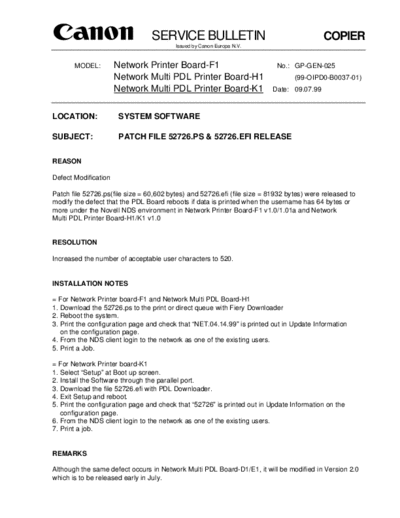
>> Download gpgen-25 documenatation <<
Text preview - extract from the document
                                 SERVICE BULLETIN                                          COPIER
                                         Issued by Canon Europa N.V.


       MODEL:         Network Printer Board-F1                             No.: GP-GEN-025
                      Network Multi PDL Printer Board-H1                         (99-OIPD0-B0037-01)
                      Network Multi PDL Printer Board-K1                  Date: 09.07.99


LOCATION:              SYSTEM SOFTWARE

SUBJECT:               PATCH FILE 52726.PS & 52726.EFI RELEASE


REASON

Defect Modification

Patch file 52726.ps(file size = 60,602 bytes) and 52726.efi (file size = 81932 bytes) were released to
modify the defect that the PDL Board reboots if data is printed when the username has 64 bytes or
more under the Novell NDS environment in Network Printer Board-F1 v1.0/1.01a and Network
Multi PDL Printer Board-H1/K1 v1.0


RESOLUTION

Increased the number of acceptable user characters to 520.


INSTALLATION NOTES

= For Network Printer board-F1 and Network Multi PDL Board-H1
1. Download the 52726.ps to the print or direct queue with Fiery Downloader
2. Reboot the system.
3. Print the configuration page and check that "NET.04.14.99" is printed out in Update Information
   on the configuration page.
4. From the NDS client login to the network as one of the existing users.
5. Print a Job.

= For Network Printer board-K1
1. Select "Setup" at Boot up screen.
2. Install the Software through the parallel port.
3. Download the file 52726.efi with PDL Downloader.
4. Exit Setup and reboot.
5. Print the configuration page and check that "52726" is printed out in Update Information on the
   configuration page.
6. From the NDS client login to the network as one of the existing users.
7. Print a job.


REMARKS

Although the same defect occurs in Network Multi PDL Board-D1/E1, it will be modified in Version 2.0
which is to be released early in July.
◦ Jabse Service Manual Search 2026 ◦ Jabse Pravopis ◦ onTap.bg ◦ Other service manual resources online : Fixya ◦ eServiceinfo