Service Manuals, User Guides, Schematic Diagrams or docs for : CANON Copiers GP 405 ServBull ServBullGP405 gpgen-27
<< Back | HomeMost service manuals and schematics are PDF files, so You will need Adobre Acrobat Reader to view : Acrobat Download Some of the files are DjVu format. Readers and resources available here : DjVu Resources
For the compressed files, most common are zip and rar. Please, extract files with Your favorite compression software ( WinZip, WinRAR ... ) before viewing. If a document has multiple parts, You should download all, before extracting.
Good luck. Repair on Your own risk. Make sure You know what You are doing.
Image preview - the first page of the document
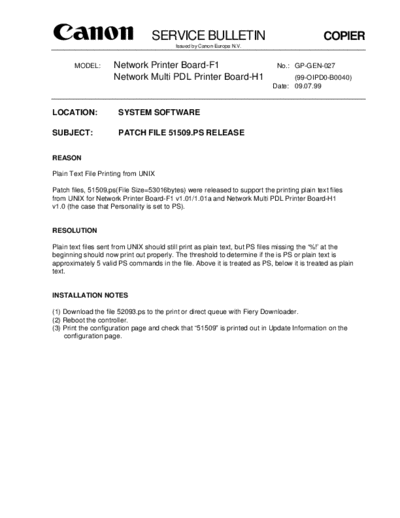
>> Download gpgen-27 documenatation <<
Text preview - extract from the document
                                 SERVICE BULLETIN                                          COPIER
                                         Issued by Canon Europa N.V.


       MODEL:       Network Printer Board-F1                                No.: GP-GEN-027
                    Network Multi PDL Printer Board-H1                          (99-OIPD0-B0040)
                                                                          Date: 09.07.99


LOCATION:             SYSTEM SOFTWARE

SUBJECT:              PATCH FILE 51509.PS RELEASE


REASON

Plain Text File Printing from UNIX

Patch files, 51509.ps(File Size=53016bytes) were released to support the printing plain text files
from UNIX for Network Printer Board-F1 v1.01/1.01a and Network Multi PDL Printer Board-H1
v1.0 (the case that Personality is set to PS).


RESOLUTION

Plain text files sent from UNIX should still print as plain text, but PS files missing the `%!' at the
beginning should now print out properly. The threshold to determine if the is PS or plain text is
approximately 5 valid PS commands in the file. Above it is treated as PS, below it is treated as plain
text.


INSTALLATION NOTES

(1) Download the file 52093.ps to the print or direct queue with Fiery Downloader.
(2) Reboot the controller.
(3) Print the configuration page and check that "51509" is printed out in Update Information on the
    configuration page.
◦ Jabse Service Manual Search 2026 ◦ Jabse Pravopis ◦ onTap.bg ◦ Other service manual resources online : Fixya ◦ eServiceinfo