Service Manuals, User Guides, Schematic Diagrams or docs for : Kyocera Printer FS-1030MFP-1035MFP-1130-1135 SERVICEBULLETIN 2MH-001
<< Back | HomeMost service manuals and schematics are PDF files, so You will need Adobre Acrobat Reader to view : Acrobat Download Some of the files are DjVu format. Readers and resources available here : DjVu Resources
For the compressed files, most common are zip and rar. Please, extract files with Your favorite compression software ( WinZip, WinRAR ... ) before viewing. If a document has multiple parts, You should download all, before extracting.
Good luck. Repair on Your own risk. Make sure You know what You are doing.
Image preview - the first page of the document
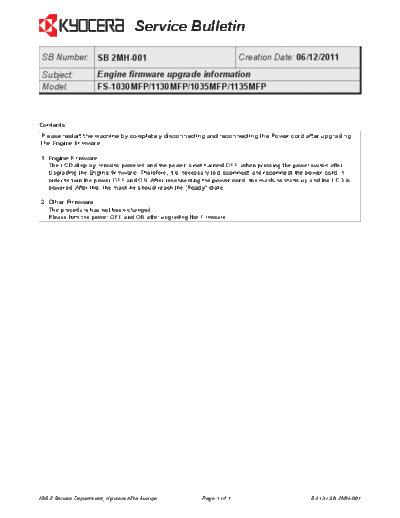
>> Download 2MH-001 documenatation <<
Text preview - extract from the document
                                   Service Bulletin
 SB Number: SB 2MH-001                                                 Creation Date: 06/12/2011
 Subject:            Engine firmware upgrade information
 Model:              FS-1030MFP/1130MFP/1035MFP/1135MFP


Contents
Please restart the machine by completely disconnecting and reconnecting the Power cord after upgrading
the Engine firmware.

1. Engine Firmware
   The LCD display remains powered and the power is not turned OFF, when pressing the power switch after
   Upgrading the Engine firmware. Therefore, it is necessary to disconnect and reconnect the power cord in
   order to turn the power OFF and ON. After reconnecting the power cord, the machine starts up and the LCD is
   powered. After this, the machine should reach the [Ready] state.

2. Other Firmware
   The procedure has not been changed.
   Please turn the power OFF and ON after upgrading the Firmware.


KMIS Service Department, Kyocera Mita Europe             Page 1 of 1                            B413 / SB 2MH-001
◦ Jabse Service Manual Search 2026 ◦ Jabse Pravopis ◦ onTap.bg ◦ Other service manual resources online : Fixya ◦ eServiceinfo