Service Manuals, User Guides, Schematic Diagrams or docs for : Kyocera Printer FS-1120-1320-1370 SERVICEBULLETINS 2L0-001
<< Back | HomeMost service manuals and schematics are PDF files, so You will need Adobre Acrobat Reader to view : Acrobat Download Some of the files are DjVu format. Readers and resources available here : DjVu Resources
For the compressed files, most common are zip and rar. Please, extract files with Your favorite compression software ( WinZip, WinRAR ... ) before viewing. If a document has multiple parts, You should download all, before extracting.
Good luck. Repair on Your own risk. Make sure You know what You are doing.
Image preview - the first page of the document
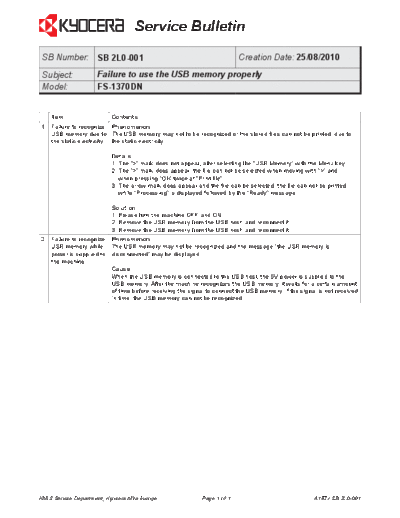
>> Download 2L0-001 documenatation <<
Text preview - extract from the document
                                   Service Bulletin
 SB Number: SB 2L0-001                                                   Creation Date: 25/08/2010
 Subject:            Failure to use the USB memory properly
 Model:              FS-1370DN


    Item                  Contents
1   Failure to recognize Phenomenon
    USB memory due to The USB memory may not to be recognized or the stored files can not be printed, due to
    the static electricity. the static electricity.

                          Details
                          1. The ">" mark does not appear, after selecting the "USB Memory" with the Menu key.
                          2. The ">" mark does appear, the file can not be selected when moving with ">" and
                             when pressing "OK' twice at "Print file".
                          3. The arrow mark does appear and the file can be selected, the file can not be printed,
                             while "Processing" is displayed followed by the "Ready" message.

                          Solution
                          1. Please turn the machine OFF and ON.
                          2. Remove the USB memory from the USB host, and reconnect it.
                          3. Remove the USB memory from the USB host, and reconnect it.
2   Failure to recognize Phenomenon
    USB memory while The USB memory may not be recognized and the message "the USB memory is
    power is supplied to disconnected" may be displayed.
    the machine.
                         Cause
                         When the USB memory is connected to the USB host, the 5V power is supplied to the
                         USB memory. After the machine recognizes the USB memory, it waits for a certain amount
                         of time before receiving the signal to connect the USB memory. If the signal is not received
                         in time, the USB memory can not be recognized.


KMIS Service Department, Kyocera Mita Europe               Page 1 of 1                               A157 / SB 2L0-001
◦ Jabse Service Manual Search 2026 ◦ Jabse Pravopis ◦ onTap.bg ◦ Other service manual resources online : Fixya ◦ eServiceinfo