Service Manuals, User Guides, Schematic Diagrams or docs for : Samsung Monitor Monitor Syncmaster 540N-740N-940N samsung_syncmaster_540n_540b_740n_740b_740t_940b_940t_940n_chassis_ls15hab_ls17hab_ls19hab_haa_hat_sm
<< Back | HomeMost service manuals and schematics are PDF files, so You will need Adobre Acrobat Reader to view : Acrobat Download Some of the files are DjVu format. Readers and resources available here : DjVu Resources
For the compressed files, most common are zip and rar. Please, extract files with Your favorite compression software ( WinZip, WinRAR ... ) before viewing. If a document has multiple parts, You should download all, before extracting.
Good luck. Repair on Your own risk. Make sure You know what You are doing.
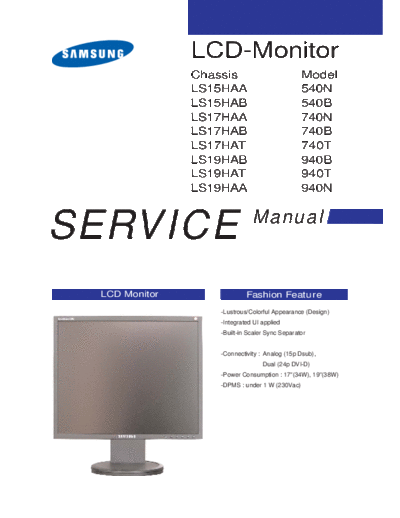
Image preview - the first page of the document
>> Download samsung_syncmaster_540n_540b_740n_740b_740t_940b_940t_940n_chassis_ls15hab_ls17hab_ls19hab_haa_hat_sm documenatation <<
Text preview - extract from the document
               LCD-Monitor
               Chassis                         Model
               LS15HAA                         540N
               LS15HAB                         540B
               LS17HAA                         740N
               LS17HAB                         740B
               LS17HAT                         740T
               LS19HAB                         940B
               LS19HAT                         940T
               LS19HAA                         940N


SERVICE                      Manual


 LCD Monitor               Fashion Feature
                  -Lustrous/Colorful Appearance (Design)
                  -Integrated UI applied
                  -Built-in Scaler Sync Separator


                  -Connectivity : Analog (15p Dsub),
                                 Dual (24p DVI-D)
                  -Power Consumption : 17"(34W), 19"(38W)
                  -DPMS : under 1 W (230Vac)
                                                  Samsung Electronics Co.,Ltd.
-This Service Manual is a property of Samsung     416, Maetan-3Dong, Yeongtong-Gu, Suwon City,
 Electronics Co., Ltd.                            Gyeonggi-Do, Korea, 443-742
 Any unauthorized use of Manual can be punished   Printed in Korea
 under applicable International and/or domestic   P/N : BN82-00133M-00
 law.                                             URL : http://itself.sec.samsung.co.kr/
                                                                                         3 Alignments and Adjustments


3 Alignments and Adjustments
This section of the service manual explains how to use the RS232 JIG.
This function is needed for AD board change and program memory (IC110) change.

3-1 Required Equipment
The following equipment is necessary for adjusting the monitor:
◦ Jabse Service Manual Search 2026 ◦ Jabse Pravopis ◦ onTap.bg ◦ Other service manual resources online : Fixya ◦ eServiceinfo