Service Manuals, User Guides, Schematic Diagrams or docs for : apple Mac Desktops Mac Mini Mac mini Model A1176 Installing-Optical-Drive-1105
<< Back | HomeMost service manuals and schematics are PDF files, so You will need Adobre Acrobat Reader to view : Acrobat Download Some of the files are DjVu format. Readers and resources available here : DjVu Resources
For the compressed files, most common are zip and rar. Please, extract files with Your favorite compression software ( WinZip, WinRAR ... ) before viewing. If a document has multiple parts, You should download all, before extracting.
Good luck. Repair on Your own risk. Make sure You know what You are doing.
Image preview - the first page of the document
>> Download Installing-Optical-Drive-1105 documenatation <<
Text preview - extract from the document
Installing Mac mini Model A1176 Optical Drive


       Installing Mac mini Model A1176 Optical Drive
      Tools used in this guide                         Parts relevant to this guide
           1.5" Thin Putty Knife                             12.7 mm PATA 8x SuperDrive
           Phillips #00 Screwdriver                          (UJ-875)

           Spudger
           Tweezers


                                                Step 1 - Top Housing
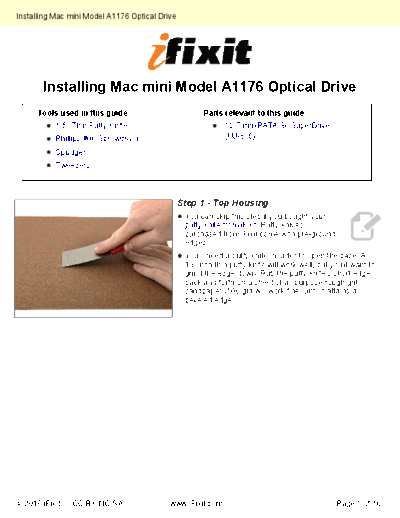
                                                 You can skip this step if you bought your
                                                 putty knife from iFixit. Putty knives
                                                 purchased from iFixit come with pre-ground
                                                 edges.
                                                 You'll need a putty knife in order to open the case. A
                                                 1.5 inch thin putty knife will work well, but you'll want to
                                                 grind the edge down. Rub the putty knife's short edge
                                                 back and forth on a sheet of all purpose rough grit
                                                 sandpaper (100 grit will work fine) until it attains a
                                                 beveled edge.
◦ Jabse Service Manual Search 2026 ◦ Jabse Pravopis ◦ onTap.bg ◦ Other service manual resources online : Fixya ◦ eServiceinfo