Service Manuals, User Guides, Schematic Diagrams or docs for : apple Mac Desktops Mac Mini Mac mini Model A1283 Installing-Hard-Drive-Replacement-1063
<< Back | HomeMost service manuals and schematics are PDF files, so You will need Adobre Acrobat Reader to view : Acrobat Download Some of the files are DjVu format. Readers and resources available here : DjVu Resources
For the compressed files, most common are zip and rar. Please, extract files with Your favorite compression software ( WinZip, WinRAR ... ) before viewing. If a document has multiple parts, You should download all, before extracting.
Good luck. Repair on Your own risk. Make sure You know what You are doing.
Image preview - the first page of the document
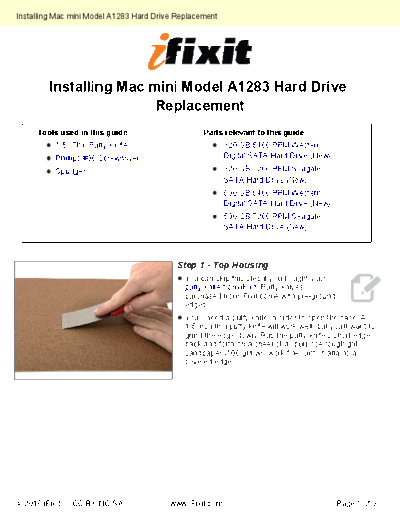
>> Download Installing-Hard-Drive-Replacement-1063 documenatation <<
Text preview - extract from the document
Installing Mac mini Model A1283 Hard Drive Replacement


        Installing Mac mini Model A1283 Hard Drive
                        Replacement
     Tools used in this guide                      Parts relevant to this guide
          1.5" Thin Putty Knife                           320 GB 5400 RPM Western
          Phillips #00 Screwdriver                        Digital SATA Hard Drive (New)

          Spudger                                         320 GB 7200 RPM Seagate
                                                          SATA Hard Drive (New)
                                                          500 GB 5400 RPM Western
                                                          Digital SATA Hard Drive (New)
                                                          500 GB 7200 RPM Seagate
                                                          SATA Hard Drive (New)


                                           Step 1 - Top Housing
                                             You can skip this step if you bought your
                                             putty knife from iFixit. Putty knives
                                             purchased from iFixit come with pre-ground
                                             edges.
                                             You'll need a putty knife in order to open the case. A
                                             1.5 inch thin putty knife will work well, but you'll want to
                                             grind the edge down. Rub the putty knife's short edge
                                             back and forth on a sheet of all purpose rough grit
                                             sandpaper (100 grit will work fine) until it attains a
                                             beveled edge.
◦ Jabse Service Manual Search 2026 ◦ Jabse Pravopis ◦ onTap.bg ◦ Other service manual resources online : Fixya ◦ eServiceinfo