Service Manuals, User Guides, Schematic Diagrams or docs for : apple Mac Desktops Power Mac Power Mac G4 MDD Installing-RAM-1616
<< Back | HomeMost service manuals and schematics are PDF files, so You will need Adobre Acrobat Reader to view : Acrobat Download Some of the files are DjVu format. Readers and resources available here : DjVu Resources
For the compressed files, most common are zip and rar. Please, extract files with Your favorite compression software ( WinZip, WinRAR ... ) before viewing. If a document has multiple parts, You should download all, before extracting.
Good luck. Repair on Your own risk. Make sure You know what You are doing.
Image preview - the first page of the document
>> Download Installing-RAM-1616 documenatation <<
Text preview - extract from the document
Installing Power Mac G4 MDD RAM


                 Installing Power Mac G4 MDD RAM
         Parts relevant to this guide
             PC3200 512 MB RAM Chip (Desktop)


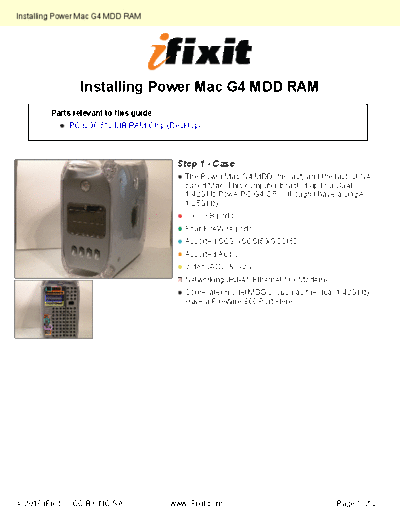
                                         Step 1 - Case
                                            The Power Mac G4 MDD: the last, and the fastest G4-
                                            based Mac. This computer boasted up to a Dual
                                            1.42GHz PowerPC G4 CPU (though I have a single
                                            1.25GHz).
                                            Six USB ports.
                                            Four FireWire ports.
                                            Assorted SCSI (SCSI50/SCSI68)
                                            Assorted Audio
                                            Video (ADC & DVI)
                                            Networking (RJ-45 Ethernet/56k Modem)
                                            Some later model MDD's (such as the dual 1.42GHz)
                                            Have a FireWire 800 Port Here:
◦ Jabse Service Manual Search 2026 ◦ Jabse Pravopis ◦ onTap.bg ◦ Other service manual resources online : Fixya ◦ eServiceinfo