Service Manuals, User Guides, Schematic Diagrams or docs for : panasonic Audio SA-PTX7EB MD0704019CE doc 7jump
<< Back | HomeMost service manuals and schematics are PDF files, so You will need Adobre Acrobat Reader to view : Acrobat Download Some of the files are DjVu format. Readers and resources available here : DjVu Resources
For the compressed files, most common are zip and rar. Please, extract files with Your favorite compression software ( WinZip, WinRAR ... ) before viewing. If a document has multiple parts, You should download all, before extracting.
Good luck. Repair on Your own risk. Make sure You know what You are doing.
Image preview - the first page of the document
>> Download 7jump documenatation <<
Text preview - extract from the document
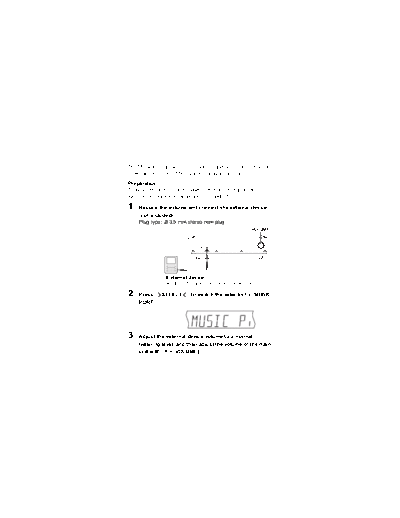
The Music Port allows you to connect and enjoy music from an
external device (e.g. MP3 player) through this unit.
Preparation
To avoid distorted sound, make sure that any equalizer
function of your external device is turned off.

1   Reduce the volume and connect the external device
    (not included).
    Plug type: 3.5 mm stereo mini plug
                                                    VOLUME


                External device
                Reduce the volume before connecting.

2   Press [   SELECT     ] to switch the selector to "MUSIC
    PORT".


3   Adjust the external device volume to a normal
    listening level, and then adjust the volume of the main
    unit with [     VOLUME].
◦ Jabse Service Manual Search 2026 ◦ Jabse Pravopis ◦ onTap.bg ◦ Other service manual resources online : Fixya ◦ eServiceinfo