Service Manuals, User Guides, Schematic Diagrams or docs for : panasonic Bullettines Bulletins Euro4_tech_info EURO4_servicemode
<< Back | HomeMost service manuals and schematics are PDF files, so You will need Adobre Acrobat Reader to view : Acrobat Download Some of the files are DjVu format. Readers and resources available here : DjVu Resources
For the compressed files, most common are zip and rar. Please, extract files with Your favorite compression software ( WinZip, WinRAR ... ) before viewing. If a document has multiple parts, You should download all, before extracting.
Good luck. Repair on Your own risk. Make sure You know what You are doing.
Image preview - the first page of the document
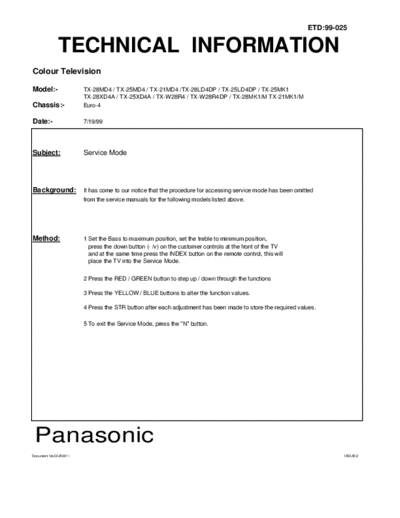
>> Download EURO4_servicemode documenatation <<
Text preview - extract from the document
                                                                                                            ETD:99-025


             TECHNICAL INFORMATION
Colour Television

Model:-               TX-28MD4 / TX-25MD4 / TX-21MD4 /TX-28LD4DP / TX-25LD4DP / TX-25MK1
                      TX-28XD4A / TX-25XD4A / TX-W28R4 / TX-W28R4DP / TX-28MK1/M TX-21MK1/M
Chassis:-             Euro-4

Date:-                7/19/99


Subject:              Service Mode


Background:           It has come to our notice that the procedure for accessing service mode has been omitted
                      from the service manuals for the following models listed above.


Method:               1 Set the Bass to maximum position, set the treble to minimum position,
                        press the down button (- /v) on the customer controls at the front of the TV
                        and at the same time press the INDEX button on the remote control, this will
                        place the TV into the Service Mode.

                      2 Press the RED / GREEN button to step up / down through the functions

                      3 Press the YELLOW / BLUE buttons to alter the function values.

                      4 Press the STR button after each adjustment has been made to store the required values.

                      5 To exit the Service Mode, press the "N" button.


 Panasonic
Document No:QUA0011                                                                                                  ISSUE:2
◦ Jabse Service Manual Search 2026 ◦ Jabse Pravopis ◦ onTap.bg ◦ Other service manual resources online : Fixya ◦ eServiceinfo