Service Manuals, User Guides, Schematic Diagrams or docs for : panasonic Plasma TV TH-37PWD7EK ITD0408033C0 doc t11_01a
<< Back | HomeMost service manuals and schematics are PDF files, so You will need Adobre Acrobat Reader to view : Acrobat Download Some of the files are DjVu format. Readers and resources available here : DjVu Resources
For the compressed files, most common are zip and rar. Please, extract files with Your favorite compression software ( WinZip, WinRAR ... ) before viewing. If a document has multiple parts, You should download all, before extracting.
Good luck. Repair on Your own risk. Make sure You know what You are doing.
Image preview - the first page of the document
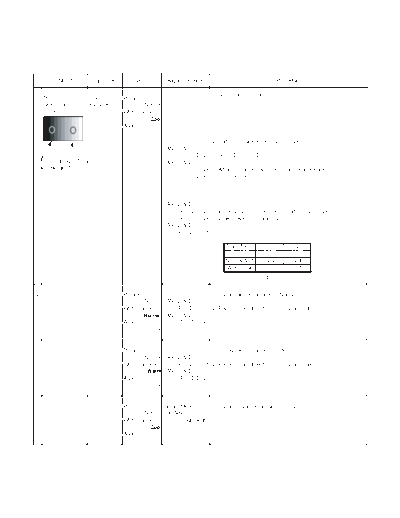
>> Download t11_01a documenatation <<
Text preview - extract from the document
        INPUT           Equipment       Setting        Alignment menu                                    Procedure

                                                                         1) Set G cut off to " 80 ".
1 PC                   Color        Picture:
  Gray Scale           Analyzer             Normal
  Pattern                           White balance:
                                               Cool
                                    Aspect:
                                               16:9
                                                                       2)Find 75% of white area by color sensor.
                                                      PANEL W/B
                                                               G Drive 3) Set G Drive to " E8 ".
      High light 75%                                  PANEL W/B
    Low light 15%                                              B Drive 4) Adjust B and R Drive to set color temperature
                                                               R Drive    as shown Fig.-03.


                                                      PANEL W/B
                                                           R,G,B Drive 5) Increase same steps of R, G and B Drive to set
                                                           R,G,B Drive    largest level of 3 color drive to "FC".
                                                      PANEL W/B
                                                          R,G,B cut off

                                                                               Color Temp.         x            y
                                                                                Cool(Hi)         0.276        0.276
                                                                               Normal(Mid)       0.288        0.296
                                                                               Warm(Low)         0.313        0.329
                                                                                                Fig. -03


2                                   Picture:                         1) Change white balance to "Normal".
                                            Normal PANEL W/B
                                    White balance:     R,G,B cut off 2) Repeat procedure 1) to 5) of Cool mode.
                                            Normal PANEL W/B
                                    Aspect:             R,G,B Drive
                                               16:9


3                                   Picture:                         1) Change white balance to "Warm".
                                            Normal PANEL W/B
                                    White balance:     R,G,B cut off 2) Repeat procedure 1) to 5) of Cool mode.
                                              Warm PANEL W/B
                                    Aspect:             R,G,B Drive
                                               16:9


4                                   Picture:        Picture Menu        1) Change color templature to "Cool".
                                            Normal Sub Adjust
                                    White balance:           Sub Bright
                                               Cool
                                    Aspect:
                                               16:9
◦ Jabse Service Manual Search 2026 ◦ Jabse Pravopis ◦ onTap.bg ◦ Other service manual resources online : Fixya ◦ eServiceinfo